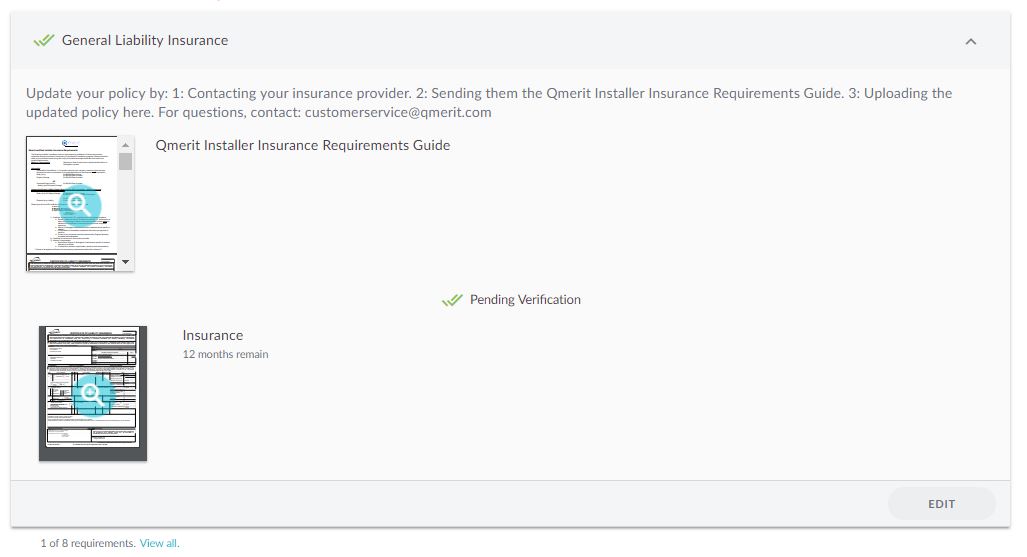
Need to upload new document for an expired Requirement? Navigate to the Network tab and Companies sub-tab.
Click on the expired Requirement and click the Edit button

Select Remove

Either select a document that has already been uploaded or upload a new document.
Hint: If uploading a new document, the expiration date of the upload should match the document.
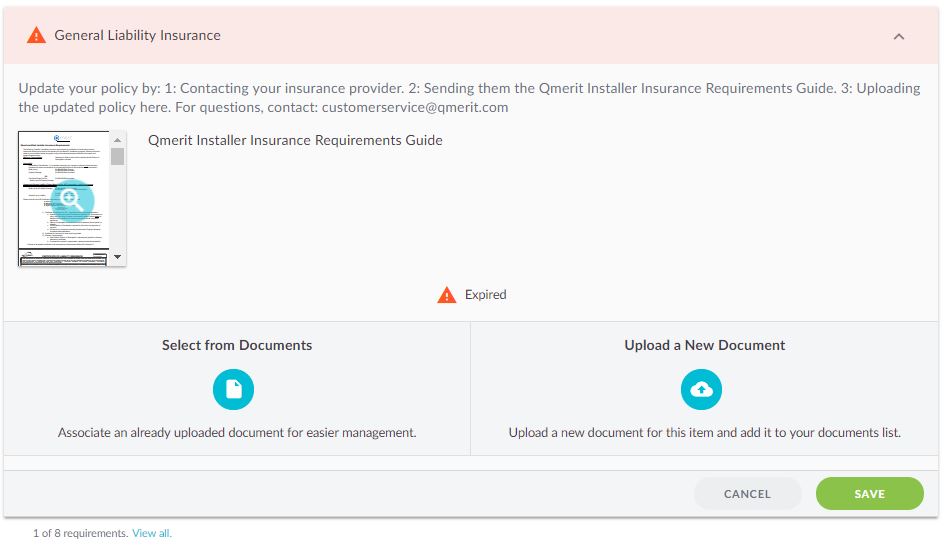
After uploading and saving the document, the Requirement will be in the Pending Verification state. Your Network Owner will need to verify it.