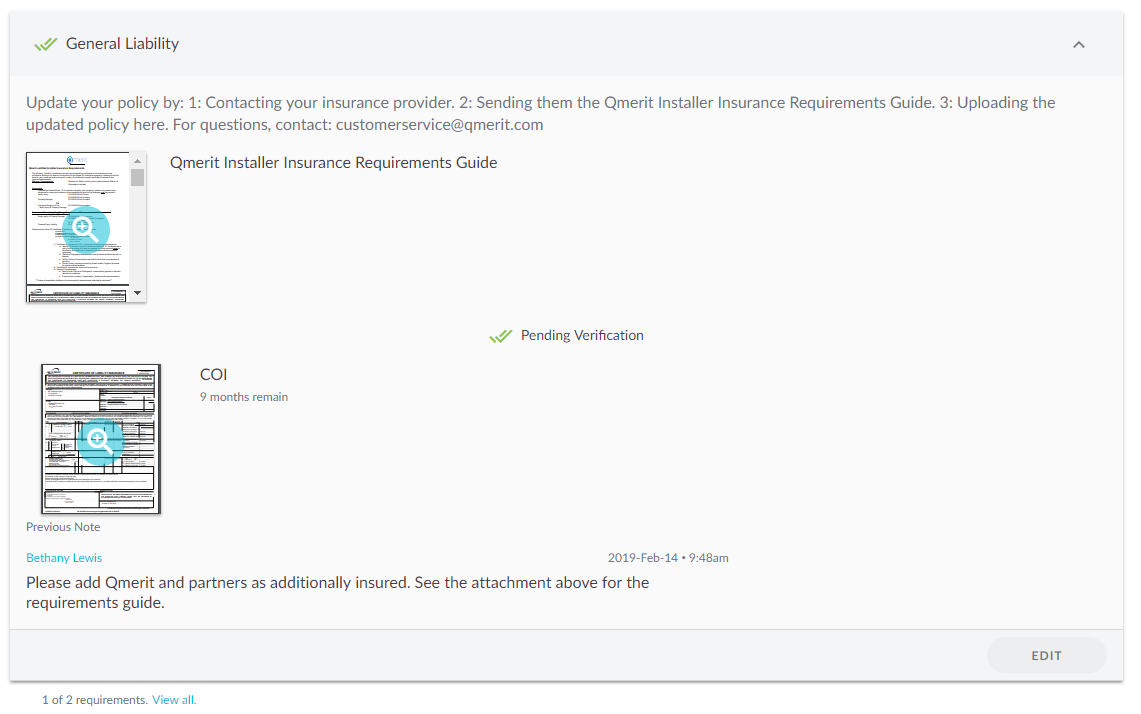
Navigate to your Network tab and Companies sub-tab
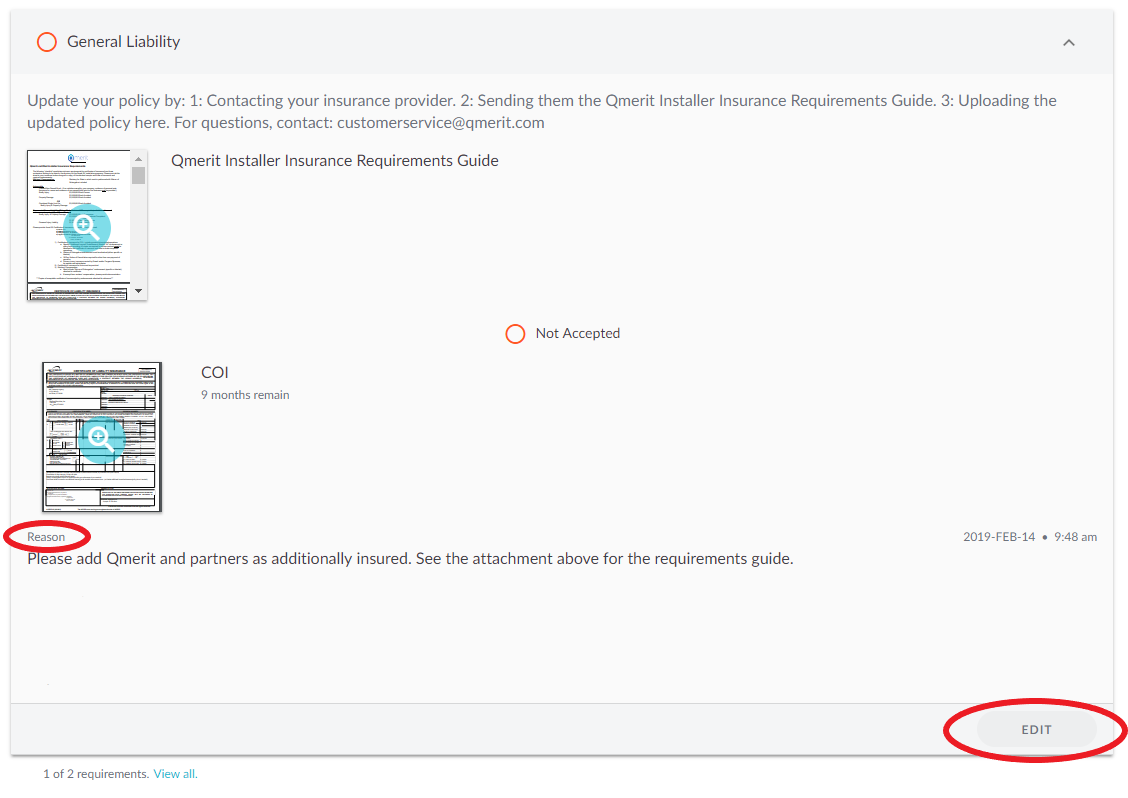
Open the Requirement that was rejected
Look for the reason it was rejected and then click the EDIT button
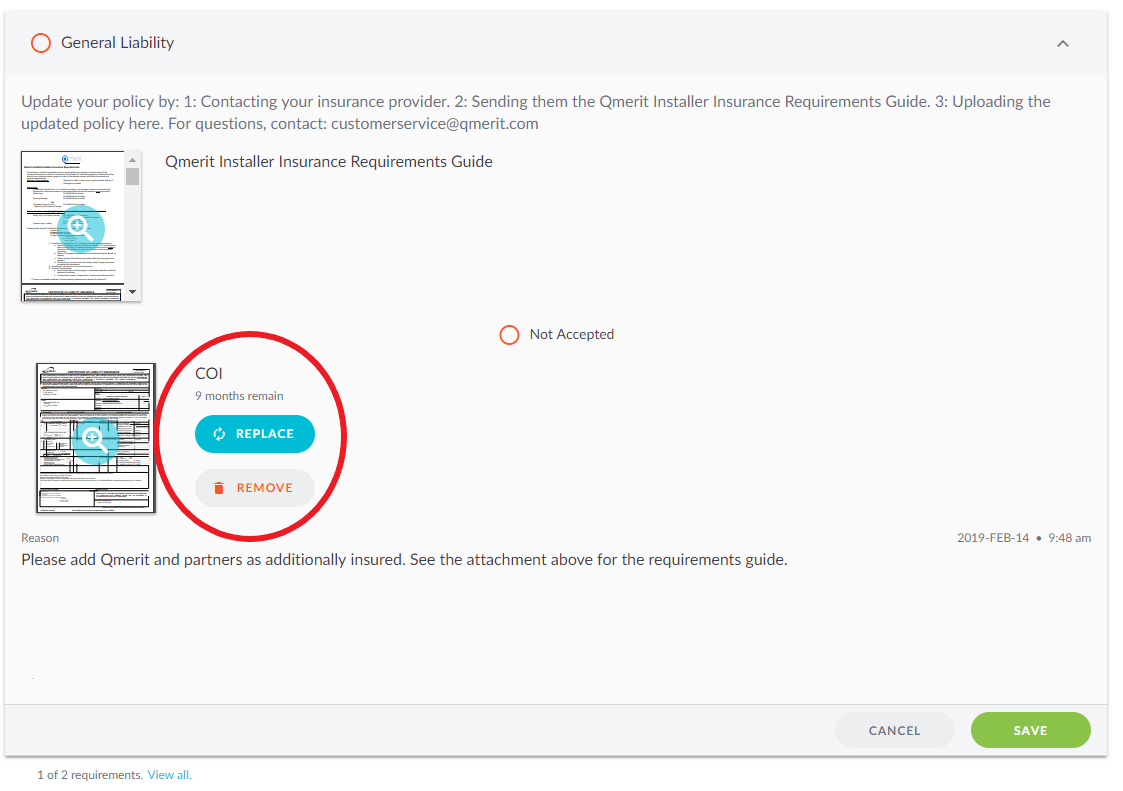
Click on the REPLACE or REMOVE button to update the document
After saving the new upload, the Requirement will be in the pending verification state until the Network Owner reviews it